
This is a user manual for Nokia NSM-5
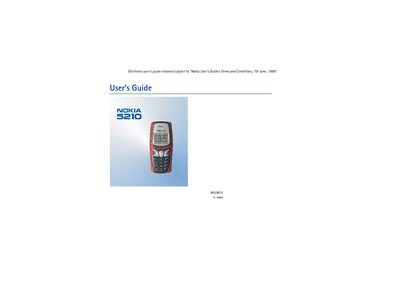
This guide starts with getting the phone ready: inserting the SIM card, installing and charging the battery, and turning the device on. It also explains how to lock or unlock the keypad and how to use the basic safety and indicator features.
Later sections cover call handling (making, answering, ending, redial, voicemail), phone‑book management, menu navigation, writing and reading messages, and using additional features such as voice tags, picture messages and data/fax calls.
Insert a SIM card into the phone.
Key in the area code and phone number and press Send.
Press the answer key (shown as <=) to answer a call.
Press Menu and then quickly press the lock/unlock key.