
This is a Nokia phone user guide
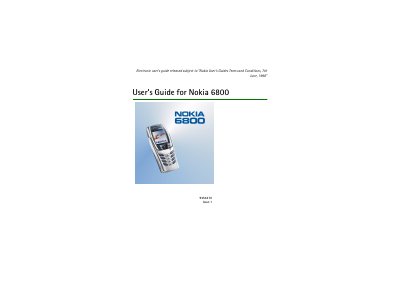
This guide covers the basic operation of the Nokia 6800, including safety information, how to install the SIM card and battery, and how to turn the phone on and off. It explains call functions, text messaging, contact management, and the use of the phone's menu system.
Additional sections describe multimedia messaging, email, radio, games, applications, and security settings, as well as the organiser features such as alarm clock and calendar. The document ends with warranty terms and warranty card instructions.
You can turn the Nokia 6800 on and off by opening the flip and using the power key.
Insert the SIM card into its slot and place the battery in the battery compartment as described in the Getting started section.
Select the call function from the menu and dial the desired number to place a call.