
Nokia E71 User Guide
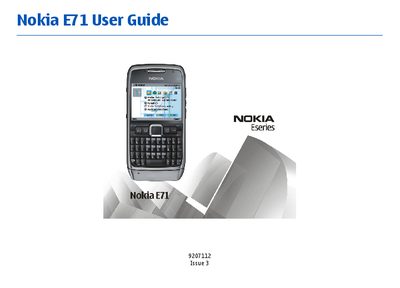
This guide introduces the Nokia E71, covering its key features, hardware layout, safety warnings, and the steps needed to insert the SIM and memory cards, charge the battery, and attach accessories such as headsets and wrist straps. It also explains the device’s network compatibility and regulatory notices.
The manual details everyday operations including making voice, video, and internet calls, sending text, email, and multimedia messages, using GPS and maps, managing contacts and calendars, and customizing the home screen and themes. Additional sections cover connectivity options (Bluetooth, Infrared, USB, WLAN), security and data management, battery care, and troubleshooting common issues.
| Supported network bands | EGSM 850/900/1800/1900 and UMTS 900/2100 HSDPA |
|---|
No. The guide instructs to switch the device off when on an aircraft.
Turn the device off and disconnect the charger before removing the battery.