
BaracodaManager J2ME is an example application included in the Baracoda Java SDK for Nokia package that shows how to connect and read data from Baracoda Bluetooth barcode readers.
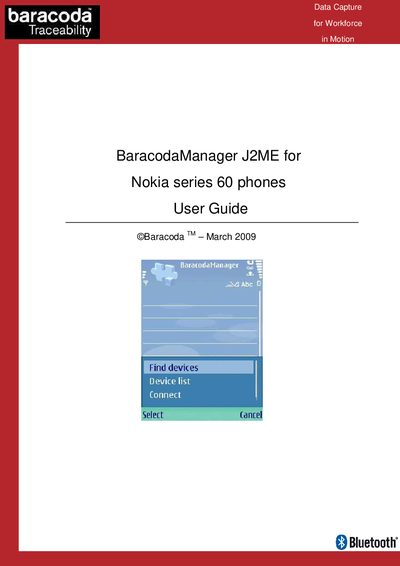
The BaracodaManager J2ME application is included in the Baracoda Java SDK for Nokia and works on all Nokia Series 60 phones that support Bluetooth. It demonstrates how to connect to Baracoda Bluetooth barcode readers, display incoming data, and use features such as autoconnect.
The guide walks users through activating Bluetooth, launching the BaracodaManager shortcut, finding and connecting to readers, reading barcode/RFID data, and disconnecting. It also covers the default PIN code (0000) and the autoconnect behavior that prevents data loss when a reader temporarily loses connection.
| Supported devices | Nokia Series 60 phones with Bluetooth |
|---|---|
| Default Bluetooth PIN code | 0000 |
Make sure Bluetooth is activated on the phone, following the phone’s user manual instructions, before starting BaracodaManager.
The default PIN code is 0000.
Select the “Disconnect” option from the main menu; the option will change back to “Connect” after disconnection.