
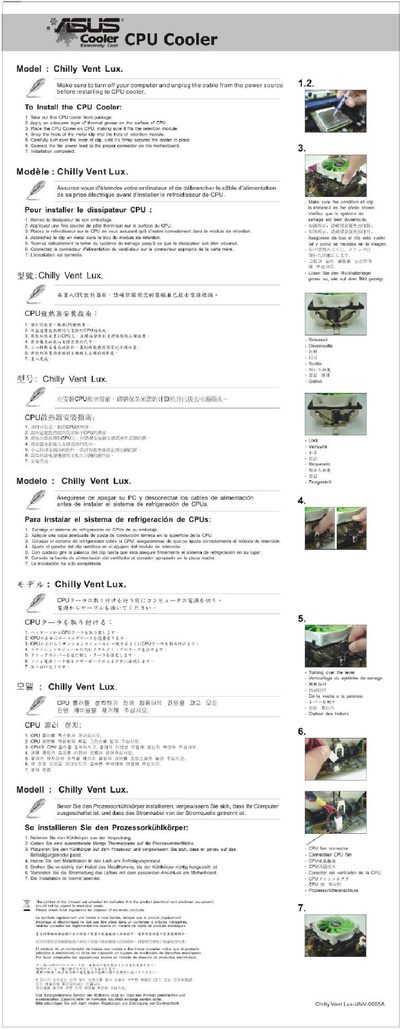
Chilly Vent Lux CPU Cooler Installation Guide


Chilly Vent Lux CPU Cooler Installation Guide - cover page
Brand
ASUS
Category
Motherboard
Document type
Installation Guide
Language
English
Pages
1
File format
PDF
File size
223 KB
Published
11 April, 2012
Updated
19 July, 2012
MD5 checksum
82745CB19F605ADBBA1C6AFA8FDB2E1E

About this manual

This guide explains how to safely install the Chilly Vent Lux CPU cooler. It starts with safety precautions, such as turning off the computer and unplugging the power cable, then walks through removing the old cooler, applying thermal paste, and mounting the new unit.

After positioning the cooler on the CPU, the guide details how to snap the metal clip into the retention holes and secure the cooler in place. Follow the illustrated steps to ensure proper contact and reliable operation.

What's inside

  • Safety Precautions
  • Removing the Old Cooler
  • Applying Thermal Paste
  • Positioning the New Cooler
  • Securing the Cooler
  • Final Checks

Frequently asked questions

What must I do before installing the CPU cooler?

Turn off the computer and unplug the power cable before starting the installation.

Download PDF (223 KB)

More ASUS Manuals


View all ASUS manuals →