
This document provides a complete set of C source files that demonstrate how to interface a microcontroller with the Sensirion SHT21 (SHT2x family) humidity and temperature sensor. It includes a hardware abstraction layer for I²C communication, sensor driver functions, and example usage in a main program.
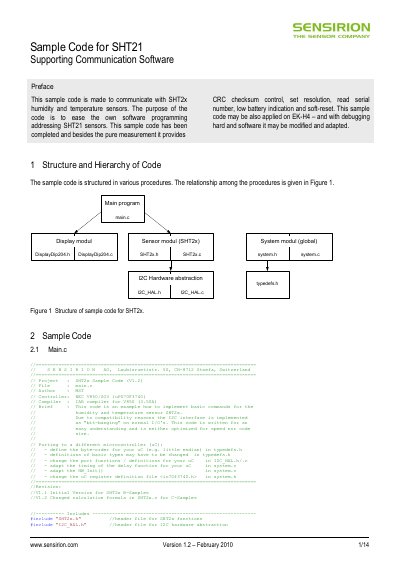
The code is organized into modules (system, I2C HAL, sensor driver, display) and shows how to initialize the hardware, read measurements, handle CRC checks, reset the sensor, and retrieve the 64‑bit serial number. It is intended for developers who need a ready‑to‑use reference implementation for the SHT21 sensor.
| I²C write address | 0x80 (128) |
|---|---|
| I²C read address | 0x81 (129) |
| CRC polynomial | 0x131 |
| Resolution options | RH 12‑bit / T 14‑bit (0x00), RH 8‑bit / T 12‑bit (0x01), RH 10‑bit / T 13‑bit (0x80), RH 11‑bit / T 11‑bit (0x81) |
| Heater command | 0x04 (on), 0x00 (off) |
Call the function SHT2x_SoftReset(), which sends the soft‑reset command over I²C and waits for the sensor to restart.
Use the SHT2x_GetSerialNumber() routine; it reads the serial number from the sensor’s on‑chip memory and returns it in an 8‑byte array.
Read the user register, mask the resolution bits with SHT2x_RES_MASK, set the desired resolution constant (e.g., SHT2x_RES_10_13BIT), and write the register back with SHT2x_WriteUserRegister().