
CASIO 3121 instruction manual, introducing the operation methods of timing function, world time function, stopwatch function, countdown timer function and alarm function.
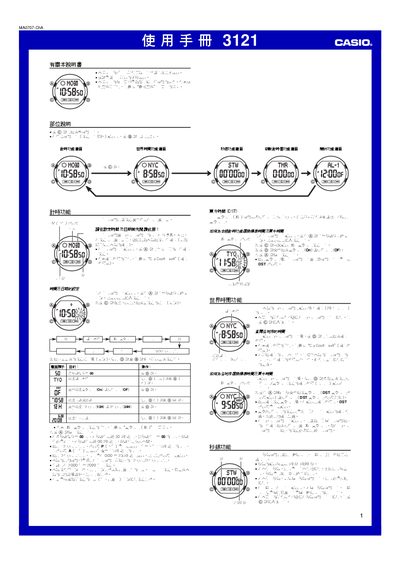
The Casio 3121 watch provides multiple functions such as time and date setting, world time for 48 cities, a stopwatch, a countdown timer, five daily alarms, an hourly chime, and LED illumination. Each function is accessed via the A, B, C, and D buttons, with the C button switching screens and the B button lighting the display.
The manual details step‑by‑step procedures for setting the time, selecting a city, enabling daylight‑saving time, using the stopwatch and timer, configuring alarms, and adjusting the illumination duration. It also includes reference data like the city code table and technical notes on automatic calendar and battery usage. This manual is written in Chinese.
| Year range | 2000‑2099 |
|---|---|
| LED illumination | Two LEDs |
| Number of daily alarms | 5 |
| Hourly chime | Enabled |
Display the time‑keeping screen, hold the A button until the seconds digits flash, then use the C, D and B buttons to change the settings and press A to exit.
From the time‑keeping screen, hold the A button for about one second to toggle DST on or off for the selected city.
The stopwatch can display up to 59 minutes 59.99 seconds.
Press the B button on any function screen (except the setting screen) to light the LEDs for the preset duration.