
Instruction manual for 5139/5150/5169 watches, which introduces how to set time, date, use stopwatch and other functions
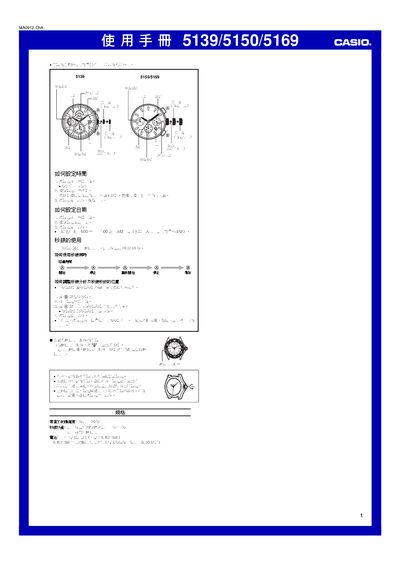
This manual covers the basic operation of Casio watches model 5139, 5150 and 5169. It explains how to set the time by pulling the crown to the second position, adjusting the hands, and returning the crown, as well as how to set the date by pulling the crown to the first position.
The guide also describes the use and adjustment of the stopwatch function, including resetting, moving the hands to zero, and synchronizing the minute and second hands. A specifications section lists accuracy, measurement limits, battery type and expected life. This manual is written in Chinese.
| Stopwatch measurement limit | 29 minutes 59 seconds |
|---|---|
| Stopwatch measurement unit | 1 second |
| Battery type | Silver oxide battery, model SR621SW |
| Battery life | Approximately 2 years (with typical use) |
Pull the crown out to the first position, rotate it to change the date, then push the crown back to its original position.
The stopwatch can measure up to 29 minutes and 59 seconds.