
Describes how to set time, date, daylight saving time, etc. on the watch
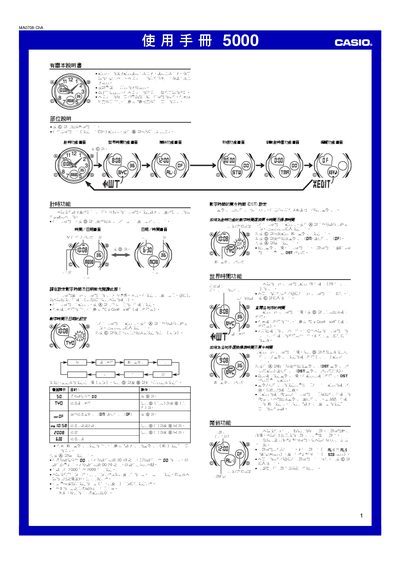
This manual explains the operation of the Casio 5000 digital‑analog watch, covering its timer, world‑time, alarm, stopwatch, countdown timer and edit functions. It also describes the display, back‑light and automatic return features.
Detailed procedures show how to set the date, time, city code, daylight‑saving time, 12/24‑hour mode, alarm times, and how to adjust the analog hands. The edit menu lets you enable or disable button sounds, alarm tones, 00‑second animation and other preferences. This manual is written in Chinese.
| Display back‑light | LED |
|---|---|
| Auto‑return time | 2–3 minutes of inactivity |
| Countdown timer range | 1 minute to 24 hours |
| Stopwatch maximum display | 59 min 59.99 sec |
| Year setting range | 2000–2099 |
The countdown timer can be set for any interval from 1 minute up to 24 hours.