
This manual introduces the operation methods of the watch, including button instructions, function switching, time setting, summer time setting, etc.
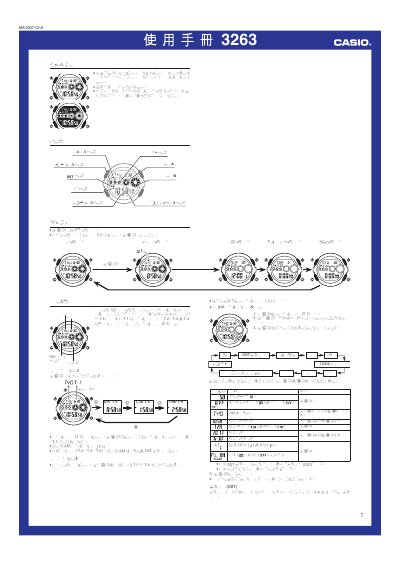
This manual provides step‑by‑step instructions for setting the time, selecting 12‑hour or 24‑hour formats, configuring daylight‑saving time (DST) and using the world‑time feature that covers dozens of cities. It also describes how to set alarms, use the countdown timer, and enable the automatic LED illumination.
Additional sections cover the device specifications, battery information, and a city‑code table for world‑time configuration. Safety notes for the illumination function and battery replacement are included. This manual is written in Chinese.
| Time format | 12‑hour or 24‑hour selectable |
|---|---|
| Battery type | CR2025 (1 × CR2025) |
| Battery life | ≈ 7 years |
| Stopwatch range | 0 s to 23 h 59 m 59.9 s |
| Stopwatch resolution | 100 units |
Select the DST setting page and follow the instructions shown under the “DST 夏信時間設定書面” section.
Open the time‑format page and choose either the 12‑hour or 24‑hour option as described in the “時制: 可選換 12 小時及 24 小時時制” section.
Activate the automatic‑lighting function; the indicator “自動照明功能開友指示符” will appear on the screen.
Enter the world‑time page and select a city from the list; the manual states “世界時間功能可康示世界 48 個城市”.