
Instruction manual for 5186/5188/5189 watch, including product function description, time setting, date setting, stopwatch use, stopwatch second hand position adjustment
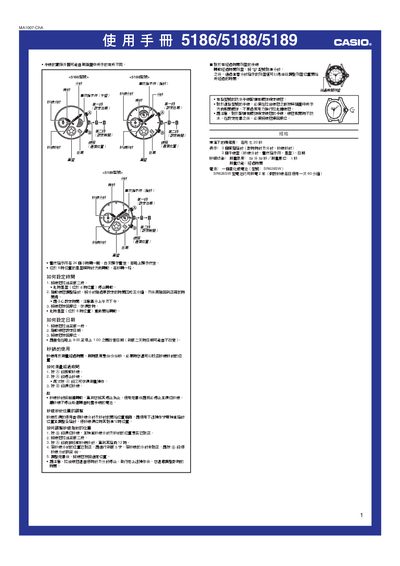
This manual provides step‑by‑step instructions for adjusting the time and date on the 5186, 5188, and 5189 watches. It also explains how to operate the built‑in stopwatch, adjust the second‑hand position, and handle the waterproof crown.
Additional information includes battery life expectations, waterproof features, and a brief specification table covering accuracy, display hands, sub‑dials, stopwatch limits, and power supply duration. This manual is written in Chinese.
| Accuracy | ±20 seconds per month |
|---|---|
| Display hands | Three hands (hour, minute, second) |
| Sub‑dials | Three sub‑dials (seconds, day/night indicator, star dial) |
| Stopwatch measurement limit | 9 minutes 59 seconds, 1‑second resolution |
Pull the crown out to the second position, stop the hour hand at the 6 o’clock position, rotate the hands to the desired time, then push the crown back in.
Pull the crown out to the first position, rotate to adjust the date, then return the crown to its normal position.