
This manual explains how to set the date and use the stopwatch function of the watch, as well as how to adjust the position of the stopwatch hands. The watch features high accuracy, multi-functionality, and waterproofing.
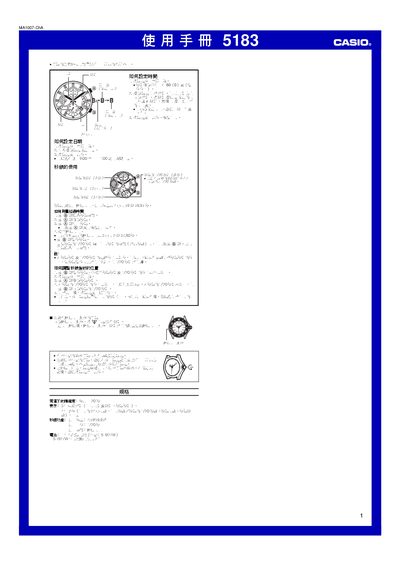
This manual explains how to set the time, start and stop the timer, and adjust the hands on the Casio 5183. It includes step‑by‑step procedures for resetting the device and correcting hand positions.
The specifications section lists accuracy, display type, timing range, resolution, measurement limits, and battery information. The device uses an SR927W button cell that can power it for about two years. This manual is written in Chinese.
| Accuracy | ±20 seconds per month |
|---|---|
| Display | 3 analog hands (hour, minute, second) |
| Maximum Timing | 24 hours |
| Maximum Measurable Time | 4 h 59 m 59.95 s |
| Battery | 1 × SR927W button cell (≈2 years) |
Rotate the hands clockwise to the desired hour, minute, and second positions as described in the manual.
It uses an SR927W button cell, which provides power for about two years.