
This document is the user manual of TVB-420D TV. It includes instructions on how to turn on/off the TV, switch channels, adjust volume, etc.
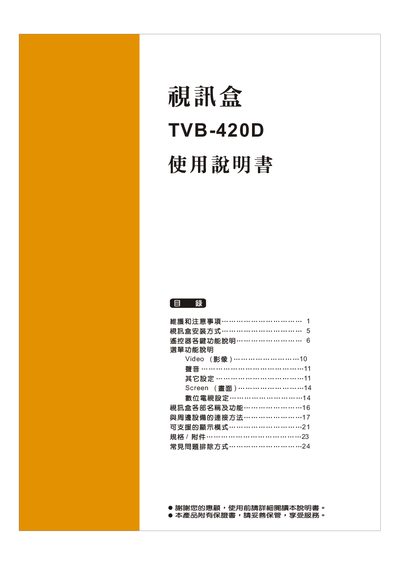
This manual covers the installation and initial setup of the Kolin TVB-420D tuner box, including power connection, antenna placement, and selecting the appropriate input source. Detailed instructions are provided for operating the remote control, adjusting picture settings, and switching between TV, AV, HDMI, and other inputs.
Safety precautions, maintenance guidelines, and a troubleshooting section are included to help users avoid LCD burn‑in, clean the display safely, and resolve common issues such as no picture or audio problems. This manual is written in Chinese.
| Model | TVB-420D |
|---|---|
| Supported input sources | TV, AV1, AV2, SV1, SV2, YPbPr1, YPbPr2, HDMI1, HDMI2, VGA, DTV |
| Supported aspect ratios | 16:9 and 4:3 |
Press the power button; the indicator changes from blue to red and the unit powers on after a few seconds.
Verify that the power cable is correctly connected, the unit is turned on, and the input source is selected correctly.