
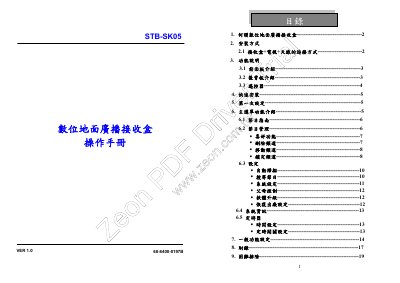
This user manual for the Kolin STB-SK05 digital terrestrial set-top box explains the receiver's front and rear panel connections, remote control keys, and first-time installation. It also describes the main menu and how to use the program guide and program management functions.
The manual covers settings such as automatic and manual channel scanning, system settings, parental control, software upgrade, factory reset, system information, and timer settings. It ends with other functions and troubleshooting. This manual is written in Chinese.
| Frequency bandwidth | 6 MHz, 7 MHz, 8 MHz |
|---|---|
| Display formats | Full, 16:9 letter box, 4:3 letter box |
| TV standards | NTSC or PAL |
Use the Auto Scan setting; the system automatically scans for programs.
The receiver can use NTSC or PAL.
You can select Full, 16:9 letter box, or 4:3 letter box.
The default parental control password is 0000.