
This manual introduces the use of PHAROS DRIVE GPS PDR200, including but not limited to use conditions, precautions and warranty terms.
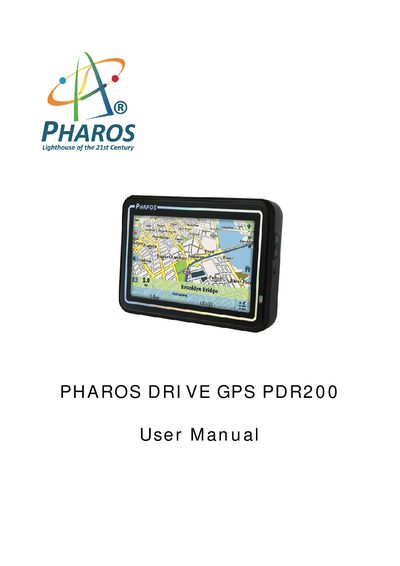
The Pharos PDR200 GPS provides turn‑by‑turn navigation, map views, and point‑of‑interest features for vehicle, walking, and biking use. This manual guides you through initial setup, configuration wizard, map screen functions, and route management.
Safety warnings, warranty conditions, and troubleshooting tips are included to ensure proper use and to avoid voiding the warranty. The device is powered via a USB‑charged battery and must be securely mounted in the vehicle.
Hold the power switch for up to 5 seconds until the screen turns on.
No, the device must not be used while the vehicle is in motion; doing so voids the warranty and may be unsafe.
Connect the USB cable to the device’s USB port and plug it into a charger or a PC USB port.
Place the device outdoors in an open space and wait a few minutes; the first acquisition may take longer.