
This manual is for Pharos Drive GPS 250 user manual, mainly introduces the product's usage method, precautions and warranty information.
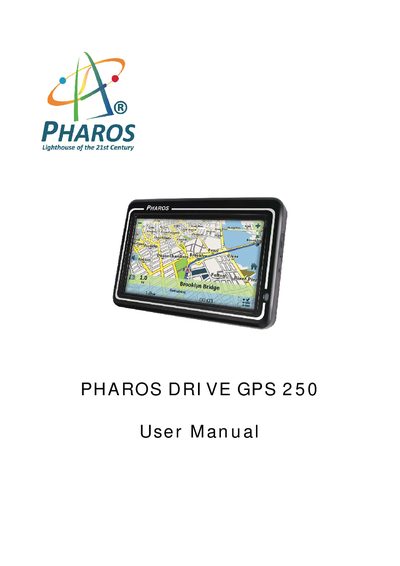
This manual introduces the Pharos DRIVE GPS 250, a portable personal navigation device designed for use in vehicles, on foot, or by bike. It covers safety warnings, warranty information, and the steps needed to get the device up and running.
Key sections include the Configuration Wizard for initial setup, detailed explanations of the Map Screen and its icons, route planning and management features, various settings (language, units, prompts, GPS), and troubleshooting guidance. The manual also provides instructions for using QuickNav, managing favorites, and contacting technical support.
Hold the power switch up to 5 seconds until the screen turns on.
No. Removing the memory card will break the seal and void the warranty.
From the Manage Route menu tap the Cancel Route button; the navigation stops and the GPS clears the route.
It may take a few minutes to acquire signals the first time; perform the acquisition outdoors in an open space.