
This file is the quick start guide of PHAROS GPS Phone 600 series, it mainly introduces the GPRS/EDGE settings and MMS settings of the device
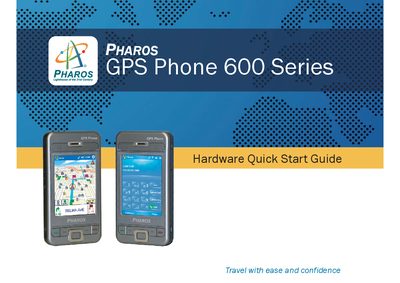
This Quick Start Guide provides step‑by‑step instructions for configuring network connections on the Pharos GPS Phone 600 series. It covers GPRS/EDGE setup for major carriers and basic MMS profile configuration.
The guide includes separate sections for AT&T/Cingular and T‑Mobile, detailing how to add a new modem connection, enter access point names, and configure MMS settings such as MMSC URL, data connection, gateway, IP address, and port.
Open Settings > Connections tab > Tasks, tap "Add a new modem connection", enter a name for the connection, select the modem, then follow the prompts to enter the access point name and finish.
Go to Programs > Messaging > MMS > Menu > MMS Settings, select the T‑Mobile MMS profile, edit it, and enter the MMSC URL, data connection, gateway, IP address and port as shown.