
This document is the user manual for Vaisala HUMICAP® Temperature and Humidity Transmitter HMT330 Series, providing information on installation, connection, and usage of the product.
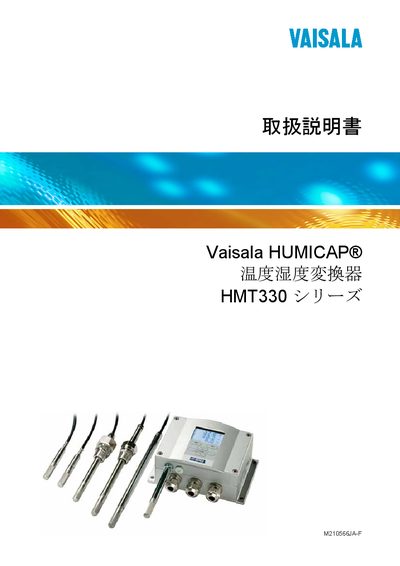
This manual provides detailed instructions for installing, configuring, and maintaining the Vaisala HMT330 series sensors. It covers safety precautions, hardware options, wiring, interface modules (LAN, WLAN, RS‑485), and data logging features.
The document also includes calibration procedures, sensor‑specific settings (temperature, humidity, dew‑point), and troubleshooting guidance for error states and relay outputs. This manual is written in Japanese.
| Dew‑point temperature accuracy | ±0.2 °C |
|---|---|
| Mixing ratio accuracy | ±0.5 g/kg at 1013 mbar |
| Wet‑bulb temperature accuracy | ±0.3 °C |
| Absolute humidity accuracy | ±0.5 g/m³ |
| Temperature measurement range | ‑40 °C to +85 °C (depending on probe) |
Use the LAN interface module section (page 3) to connect the LAN cable, then configure IP settings via the web interface as described in the LAN communication chapter.
Select the output mode and range in the analog output settings (page 117) using the display keypad or serial command interface.
Follow the calibration steps in the “校正” section (page 150‑153), which guide you through zero‑point and span adjustments using the keypad.