
This is the user guide for Sony Ericsson W850i phone, which includes assembly, usage, and function introduction
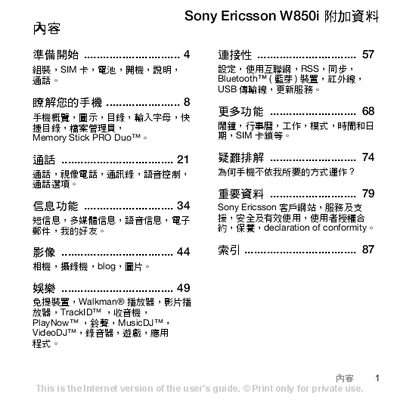
This manual guides you through preparing your Sony Ericsson W850i, including inserting the SIM card, charging the battery, and initial power‑on procedures. It also explains basic phone settings such as normal mode and flight mode, and describes how to use the built‑in features like the camera, music player, and Bluetooth connectivity.
Additional sections cover data transfer methods, multimedia playback, and a comprehensive index for quick reference. Safety notices, warranty information, and contact details for Sony Ericsson support are also included. This manual is written in Chinese.
| Supported Network | UMTS 2100, GSM 900/1800 |
|---|---|
| Memory Card Type | Memory Stick PRO Duo |
Remove the battery, then push the SIM card into the slot with the gold contacts facing down, and re‑insert the battery.
Connect the charger with the marked side up, wait until the battery indicator shows full, then disconnect the charger.
Visit the Sony Ericsson support website at www.sonyericsson.com/support for additional resources and downloads.