
This document describes how to use the Commander remote control, including how to install batteries and set codes
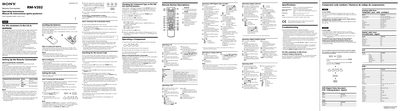
This manual explains how to set up the Sony RM‑V202 Remote Commander, install its batteries, and program component codes for Sony and non‑Sony devices. It includes step‑by‑step procedures for entering and checking codes, changing component types on the CBL/SAT and DVD buttons, and operating various components such as TVs, VCRs, cable boxes and DVD players.
Additional sections cover specifications, troubleshooting tips, customer support information, and a comprehensive list of component code numbers for many brands.
| Power requirements | Two size AA (R6) batteries (not supplied) |
|---|---|
| Battery life | Approx. 6 months |
| Dimensions | 55 × 200 × 32 mm |
| Mass | 95 g (3.4 oz) |
Open the battery compartment and insert two size AA (R6) batteries, making sure the polarity matches the markings.