
This is a user guide for the Sony Ericsson K800i, which contains information on how to use the phone, its features, and common problems and their solutions.
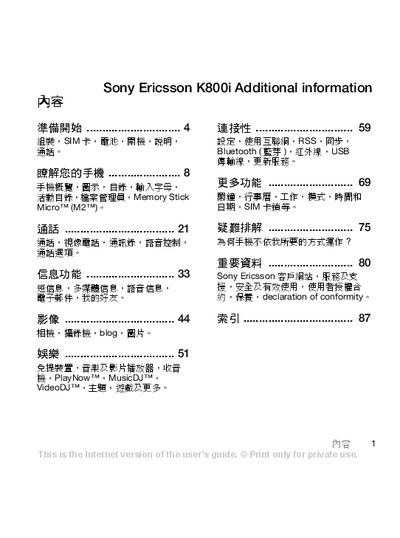
This manual guides users through preparing the phone, inserting the SIM card and battery, and configuring basic settings such as Bluetooth, infrared, and USB connectivity. It also explains how to use special functions like Flight mode and provides tips for optimal operation.
Additional sections cover voice control, camera usage, media playback, and a troubleshooting guide for common issues. An index at the end helps locate specific topics quickly. This manual is written in Chinese.
| Bluetooth | Supported |
|---|
Remove the battery cover, insert the SIM card with the gold contacts facing down, then place the battery with the marked side up and reattach the cover.
Activate Flight mode from the settings menu; it disables network, Bluetooth, and infrared functions while allowing limited phone operation.
The phone supports Bluetooth, infrared, and USB connections for data transfer and accessories.