
T-Mobile User Manual, which introduces the functions of the phone
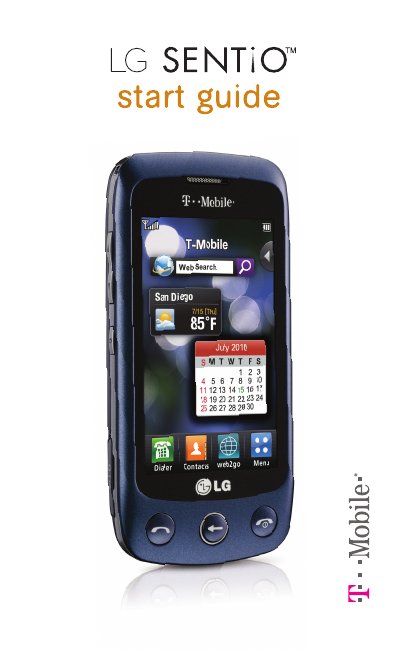
This guide covers everything needed to get started with the LG Sentio GS505, including service activation, basic phone navigation, and how to use widgets and shortcuts. It also explains how to insert SIM and memory cards, manage the battery, and make calls.
Additional sections describe safety tips, emergency dialing, and where to find further support online through T‑Mobile resources. The document is organized with a table of contents that makes it easy to locate specific topics such as the main menu, Bluetooth, and web browsing.
| Battery type | Removable |
|---|---|
| Power on method | Press and hold End key |
| SIM card requirement | Standard SIM needed for network access |
Press and hold the End key to power the phone on; press and hold the End key again to power it off.