
This is a user manual for a phone, which introduces the functions and usage methods of the phone
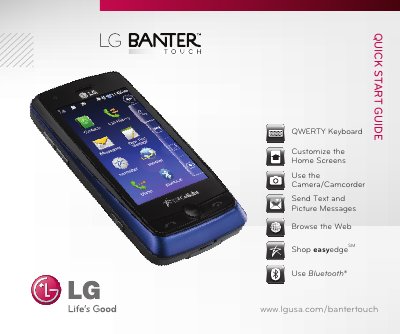
The guide introduces the LG Banter Touch phone, describing its hardware layout, QWERTY keyboard functions, and how to customize home screens, multimedia, contacts and shortcuts. It also explains basic operations such as taking photos, recording video, sending text and picture messages, browsing the web, and using the easyedge store.
Additional sections cover Bluetooth pairing with headsets and other accessories, and list optional accessories with model numbers. The guide is concise, with step‑by‑step instructions and screenshots for each feature. This manual is written in Chinese.
| Camera resolution | 2 megapixel |
|---|---|
| Memory card slot | microSD™ |