
This document provides instructions and precautions for using AT&T phones, including privacy controls, the use and protection of location information, and considerations for accessing the internet and downloading applications through the phone.
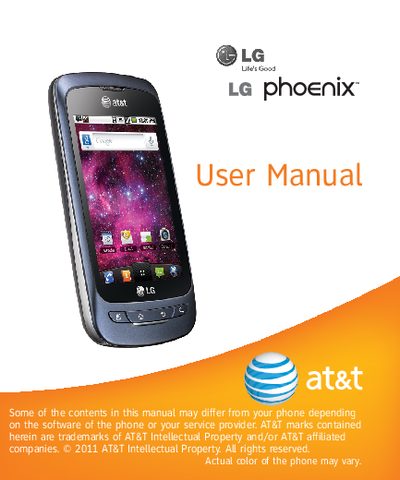
This manual covers getting started with the LG Phoenix, including SIM card installation, battery handling, home screen navigation, applications, camera operation, multimedia playback, and Google account setup. It also explains wireless and network settings, Bluetooth, airplane mode, and other utilities.
The document includes safety guidelines, SAR information, warranty terms, and contact details for LG service. It outlines the FCC SAR limit, measured SAR values for the device, and provides instructions for obtaining warranty service.
| SAR (FCC limit) | 1.6 W/kg |
|---|---|
| SAR (ear position) | 1.23 W/kg |
The limited warranty is twelve (12) months from the date of purchase, or fifteen (15) months from the date of manufacture if proof of purchase is not available.
The FCC SAR limit for the phone is 1.6 watts per kilogram.
Call 1‑800‑793‑8896 or fax 1‑800‑448‑4026, or visit the LG website at wwwwlg.com for authorized service center information.