
The Genesis phone is equipped with Android 2.2 operating system, supports Wi-Fi hotspot, physical keys and virtual keys, has a 5.0 megapixel autofocus camera and camcorder, supports DLNA, and contains Gmail, Google Talk and Google Voice Actions.
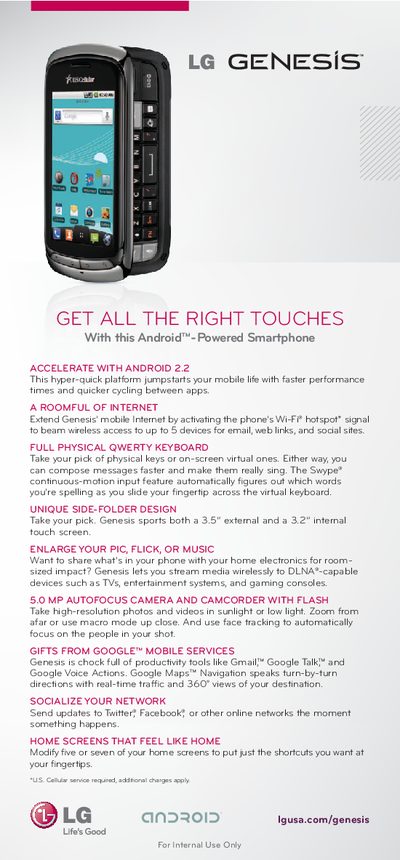
The LG Genesis manual introduces the Android‑powered smartphone, highlighting its dual‑screen design, physical QWERTY keyboard, and 5.0 MP autofocus camera. It explains how to customize home screens, use live wallpapers, and take advantage of DLNA streaming, Google services, and social networking features.
Detailed step‑by‑step procedures cover connecting to Wi‑Fi, enabling the portable hotspot, setting up Google and email accounts, using Swype, managing recent apps, navigating with Google Maps, conserving battery, and issuing voice commands. The guide also includes quick references for adding widgets, customizing screens, and accessing core Android functions.
| Camera | 5.0 MP autofocus |
|---|---|
| External screen size | 3.5 inches |
| Internal screen size | 3.2 inches |
| Operating system | Android 2.2 |
| Wi‑Fi hotspot capacity | Up to 5 devices |
Open Settings > Wireless & networks, turn on Wi‑Fi, select Wi‑Fi settings, choose a network, enter the password if required, and tap Connect.
Touch the Google account option, select Create or Sign in, follow the on‑screen steps to enter your information, and finish by tapping Done.