
This is a user guide for HP Color LaserJet 4730mfp series
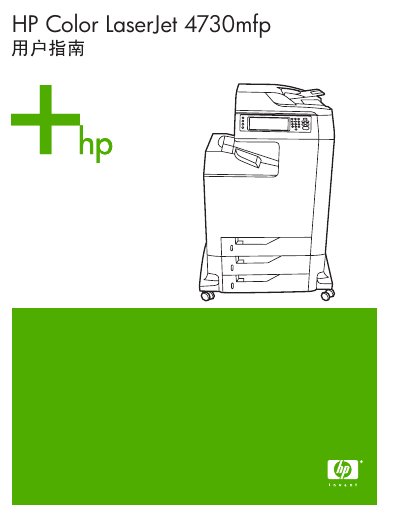
This manual covers the basic information, hardware components, and configuration options for the HP Color LaserJet 4730mfp multifunction printer. It includes detailed instructions for installing software, connecting interfaces, and using printing, copying, scanning, and email functions.
Support resources, network setup, media handling guidelines, and service procedures are also provided, along with technical specifications such as print speed, supported paper weights, and environmental requirements. This manual is written in Chinese.
| Supported paper weight | 90‑104 g/m² |
|---|---|
| Maximum paper weight | 120 g/m² |
You can download the updated printer software and drivers from HP’s support site at http://www.hp.com/support/clj4730mfp.
Use the MFP control panel to manually configure the TCP/IP parameters.
Paper weighing more than 120 g/m² should be loaded in tray 1.