
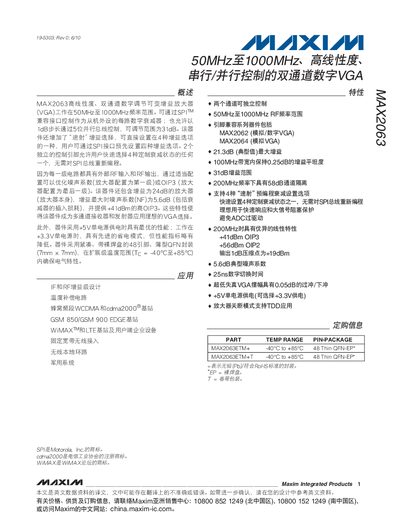
The MAX2063 VGA provides 31 dB of attenuation in 1 dB steps and can be programmed via an SPI‑compatible interface or a 5‑bit parallel bus. It includes four pre‑programmed gain states selectable through SPI and two independent control pins for rapid switching, making it suitable for multi‑channel receiver and transmitter designs.
The device is supplied in a 48‑pin thin QFN‑EP package (7 mm × 7 mm) and operates from a single 5 V supply (or 3.3 V with reduced performance). It supports an operating temperature range of –40 °C to +85 °C. Key performance figures include a small‑signal gain of 22 dB at 50 MHz, a noise figure as low as 5.2 dB, and an OIP3 of up to +41 dBm.
| Frequency Range | 50 MHz – 1000 MHz |
|---|---|
| Step Size | 1 dB |
| Supply Voltage (VCC) | 4.75 V – 5.25 V |
| Supply Current (5 V typical) | 148 mA |
| Small‑Signal Gain at 50 MHz | 22.0 dB |
| Noise Figure at 50 MHz | 5.2 dB |
| Maximum OIP3 | +41 dBm |
The device operates with VCC between 4.75 V and 5.25 V (or 3.3 V for reduced performance).
Attenuation can be set in 1 dB steps across the 31 dB range.
The VGA operates up to 1 GHz (1000 MHz).
Four gain states can be pre‑programmed and selected through the SPI interface.