
This manual mainly introduces the function features, appearance structure, usage methods, installation connection and relevant precautions of GSM/GPRS/GPS car terminal.
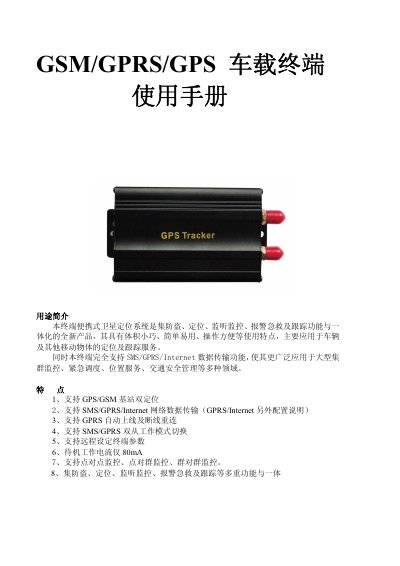
This manual describes a portable satellite positioning system that combines anti‑theft, tracking, monitoring, emergency alarm and rescue functions. It supports GPS/GSM dual positioning, SMS/GPRS/Internet data transmission, remote parameter setting, and various monitoring modes.
The guide covers hardware description, wiring, SIM card installation, power connection, initialization via SMS commands, password management, authorization settings, positioning modes, alarm configurations, GPRS setup, and troubleshooting steps. This manual is written in Chinese.
| 尺寸 | 83 mm × 54 mm × 26 mm |
|---|---|
| 重量 | 115 g |
| 网络频段 | 850/900/1800/1900 MHz |
| 芯片 | SIRF3, Simcom300dor/Simcom340d |
| GPS 灵敏度 | -159 dBm |
| GPS 精度 | 5 m |
| 待机电流 | 80 mA |
| 工作温度范围 | -20 °C ~ +55 °C |
| 储存温度范围 | -40 °C ~ +85 °C |
| 电池容量 | 800 mAh 3.7 V Li‑ion |
Send an SMS with the format “password+oldPassword+ newPassword” (e.g., “password123456 888888”) and the device will reply “password OK”.
Send an SMS command “GPRS+password”; the device will reply “GPRS ok!” indicating the mode has changed.
Cold start takes about 45 seconds, warm start about 35 seconds, and hot start about 1 second.
Send an SMS “admin+password + phoneNumber”; the device will reply “admin ok” and store the number as an authorized contact.