
This manual shows how to operate the device smoothly and correctly.
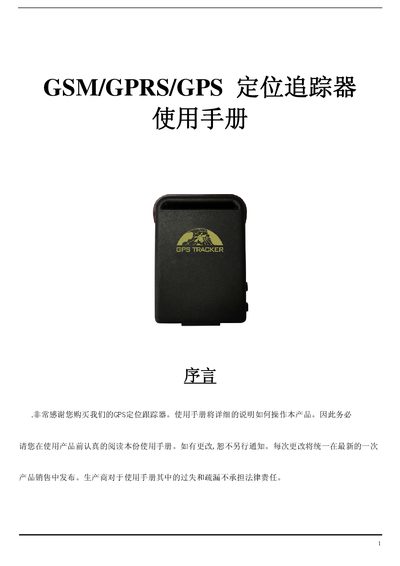
This manual provides an overview of the GSM/GPRS/GPS tracker, describing its hardware layout, network capabilities, and typical applications such as vehicle fleet management, personal safety, and asset monitoring.
It includes detailed instructions for installing the SIM card, charging the battery, initializing the device, configuring SMS/GPRS modes, setting up geofences, and handling common faults. This manual is written in Chinese.
| Size | 64mm x 46mm x 17mm |
|---|---|
| Network | GSMVGPRS |
| Network bands | 850/900/1800/1900 MHz or 900/1800/1900 MHz |
| Chip | SIRF3 |
| GSM/GPRS module | SIMCOM340 |
| GPS sensitivity | -159 dBm |
| Battery | 3.7 V 800 mAh Li‑ion |
| Standby time | 80 hours |
| Operating temperature | -20 °C to +50 °C |
Make sure the SIM card has no call forwarding or call display enabled and that the PIN code is disabled.
Send an SMS with the text “begin+password” (default password 123456) to the device; it will reply “begin ok” and reset to factory defaults.
Send the SMS command “GPRS+password” to switch to GPRS mode, or “SMS+password” to return to SMS mode.