
Key facts
- Manuals
- 5
- Categories
- 1
- Languages
- ZH
- Last added
- 2012-04-10
Featured GSM/GPRS/GPS manuals
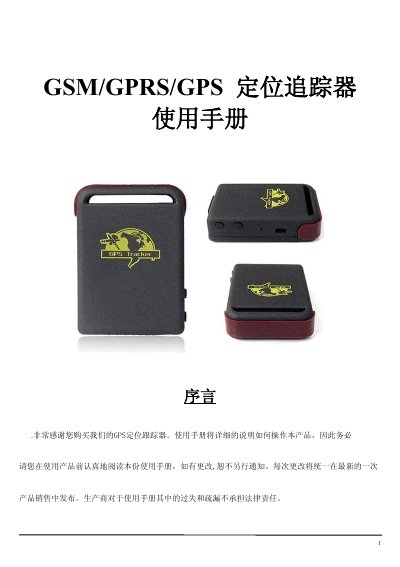
GSM/GPRS/GPS Tracker User Manual
The guide provides an overview of the tracker’s hardware layout, specifications, and typical application scenarios such as vehicle fleet management, personal safety, and pet monitoring. It details the required SIM card setup, battery charging, and initial configuration steps.
Detailed instructions cover password management, authorization of phone numbers, various positioning modes, geofence configuration, and alert functions like SOS, low‑battery, and overspeed. A troubleshooting section lists common fault symptoms and recovery commands. This manual is written in Chinese.
Covers: Introduction · Applications · Hardware · Specifications · Usage Instructions · Warnings
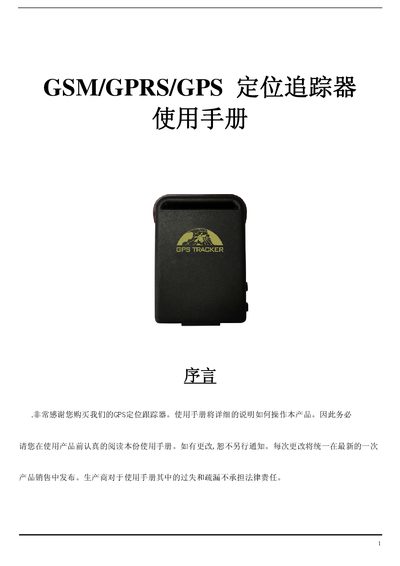
GSM/GPRS/GPS Tracker User Manual
This manual provides an overview of the GSM/GPRS/GPS tracker, describing its hardware layout, network capabilities, and typical applications such as vehicle fleet management, personal safety, and asset monitoring.
It includes detailed instructions for installing the SIM card, charging the battery, initializing the device, configuring SMS/GPRS modes, setting up geofences, and handling common faults. This manual is written in Chinese.
Covers: Introduction · Applications · Hardware · Specifications · Usage Instructions · Warnings
Latest GSM/GPRS/GPS manuals
GSM/GPRS/GPS TRACKER user manual
This is the T102 user manual, covering the overview, application, hardware description, specifications and usage
GSM/GPRS/GPS Tracker Manual(1)
This is a GSM/GPRS/GPS based positioning tracker, mainly used for vehicle positioning, cargo positioning, pet positioning and other scenarios
GSM/GPRS/GPS car terminal Manual
This manual mainly introduces the function features, appearance structure, usage methods, installation connection and relevant precautions of GSM/GPRS/GPS car terminal.
GSM/GPRS/GPS Tracker User Manual
User Manual 11 pages · 342 KB · ZHThis manual explains how to set up, operate, and troubleshoot the GSM/GPRS/GPS tracking device.
GSM/GPRS/GPS Tracker User Manual
User Manual 12 pages · 342 KB · ZHUser manual for a GSM/GPRS/GPS tracking device covering hardware, specifications, setup, and troubleshooting.
Which document do I need?
User Manual
Day-to-day operation, settings and troubleshooting. Start here if the product is already set up.
Questions answered in GSM/GPRS/GPS manuals
How do I change the device password?
Send an SMS with the command “password+oldPassword+#newPassword” to the tracker; it will reply with a confirmation.
How can I start continuous automatic tracking?
Send the SMS command “at30sum15” to receive a location update every 30 seconds for 15 times; use “at30sum0” for unlimited updates.
How should the SIM card be prepared before insertion?
Make sure the SIM card has no call forwarding or call display enabled and that the PIN code is disabled.
How do you initialize the device to its default settings?
Send an SMS with the text “begin+password” (default password 123456) to the device; it will reply “begin ok” and reset to factory defaults.