
This manual describes the features and usage of the HP LaserJet P2015 series printers. It also explains how to connect, install, and configure the printer, and how to use the printer software.
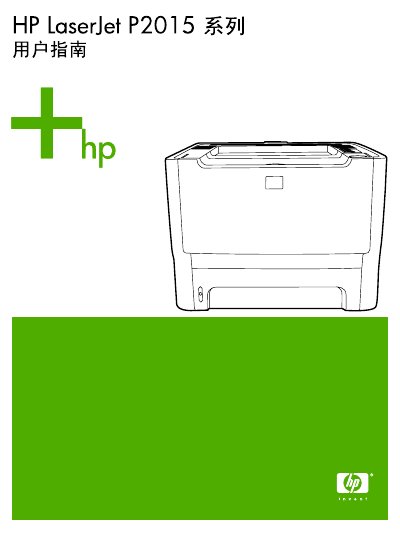
This manual covers product information, control panel functions, and software installation for Windows and Macintosh, including USB and network connections. It also details supported media types, printing tasks, and configuration options such as duplex printing and watermarks.
Later sections describe printer management, maintenance procedures like cleaning the media path and replacing the toner cartridge, and a comprehensive troubleshooting guide for common issues such as print quality problems and paper jams. This manual is written in Chinese.
Adjust the print concentration in the printer properties and disable EconoMode, and use media that meets HP specifications.
Clean the printer’s media path and rollers, then remove any jammed paper.
Open the cartridge compartment and replace the toner cartridge with a new HP cartridge.