
This user guide introduces the basic information, product overview, control panel, Windows software, using the product on Macintosh of HP LaserJet P2050 series printer.
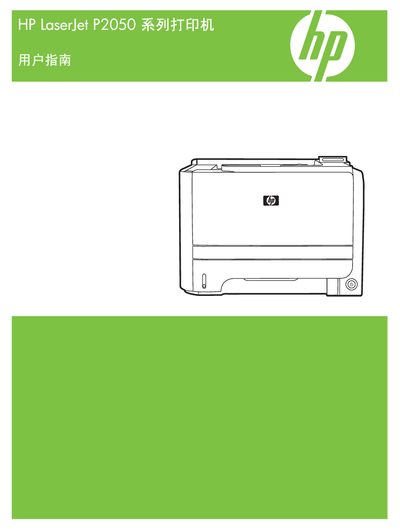
This manual covers the complete setup of the HP LaserJet P2050 series printer, including system setup, service procedures, and network configuration. It also provides guidance for installing drivers on Windows XP and Windows Vista, as well as using HP ToolboxFX and HP Web Jetadmin utilities.
Additional sections describe EconoMode settings, Energy Star compliance, and troubleshooting tips. The document includes reference tables for specifications, supported operating systems, and PostScript version information.
| Energy Star certification | Certified |
|---|---|
| PostScript version | 2.000 |
Network configuration settings are described in the "Network config." section of the manual.
The printer uses PostScript version 2.000.
Yes, the printer is Energy Star certified.