
HP LaserJet P3005 Series Printer User Guide, introduces the product features and characteristics of this printer, including device comparison, function comparison, printer view, device components, interface ports, device software, control panel, input/output (IO) configuration, etc.
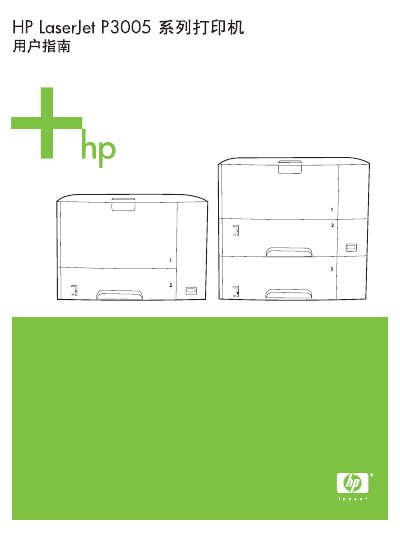
This guide covers the HP LaserJet P3005 series printer, including device basics, control‑panel navigation, media handling, paper‑tray configuration, and supported software drivers for Windows, macOS, and Linux. It also details network and USB setup, printer utilities, and how to order consumables.
Later sections describe routine maintenance, cleaning, cartridge replacement, and a comprehensive troubleshooting flowchart with step‑by‑step checks for common issues such as paper jams, print quality problems, and network errors. Appendices list specifications, regulatory information, and ordering details. This manual is written in Chinese.
| Paper thickness | 0.094 – 0.18 mm (3.0 – 7.0 mils) |
|---|---|
| Paper acidity (pH) | 5.5 – 8.0 pH |
| Maximum envelope paper weight | 105 g/m² (28 lb) |