
This document is a user guide for HP LaserJet 8150 series printers, providing instructions and features for different models of printers.
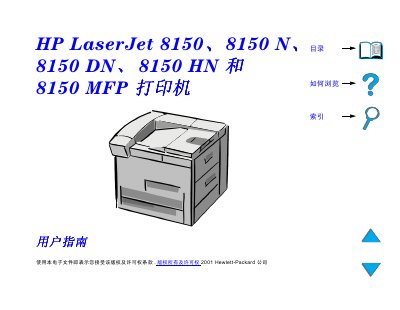
This guide covers the installation, configuration, and daily use of the HP LaserJet 8150 family of printers. It includes instructions for loading paper, selecting trays, adjusting print quality, and using the built‑in Digital Copy functions.
The manual also details warranty information, service contacts, and where to obtain drivers and software updates from HP’s support sites worldwide.
Drivers and software can be downloaded from HP’s website, for example the US site at http://www.hp.com.
Call HP support at (661) 257‑5565 for assistance.
Do not add or remove paper from tray 1 while the printer is printing; load paper only when the printer is idle.