
The HP Photosmart 8700 series printer is a product developed by Hewlett-Packard. The printer features high-quality printing, supports a variety of memory card formats such as Secure Digital, CompactFlash, and Memory Stick. It also has PictBridge functionality, allowing direct printing from digital cameras. Additionally, the printer supports Bluetooth connectivity for wireless printing. When using the printer, it is important to adhere to safety precautions.
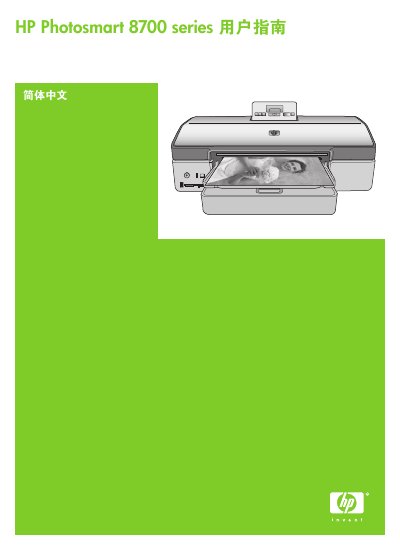
This guide covers everything you need to operate the HP Photosmart 8700 series printer, including installing software, loading paper and ink cartridges, using the control panel, and printing from computers, cameras, and memory cards. It also explains color management, creative projects, and how to print photos without a computer.
The manual includes hardware details such as dimensions, weight, operating environment, connectivity options, supported media sizes, and paper capacities, as well as safety information, environmental statements, and warranty details. This manual is written in Chinese.
| Weight | 11.8 kg (26 lb) |
|---|---|
| Dimensions (H × W × D) | 203 mm × 643 mm × 398 mm |
| Operating Temperature | 0–45 °C (32–113 °F) |
| Operating Humidity | 20–80 % RH (recommended) |
| Supported Media Size (Computer Print) | 76 × 127 mm to 330 × 483 mm (3 × 5" to 13 × 19") |
| Main Tray Capacity | 100 sheets of plain paper |
Use the Ethernet port on the back of the printer and follow the network configuration steps in the Network Connection section of the guide.
The printer is designed to operate between 0 °C and 45 °C with 20 % to 80 % relative humidity.
The main paper tray can hold up to 100 sheets of plain paper.