
This document is the operating instructions manual for the Sony CLIÉ Handheld PEG-SL10/PEG-SJ20/PEG-SJ30. This manual introduces how to use the basic operations of the handheld device, basic applications, HotSync operation, communication function, custom settings, and other information.
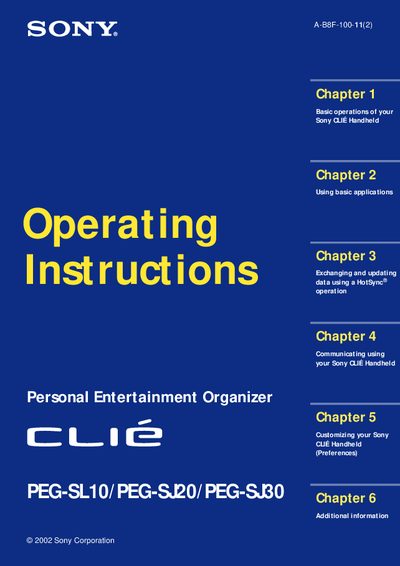
This manual provides step‑by‑step instructions for basic operation of Sony CLIE handhelds, including turning the device on and off, using the stylus and Jog Dial™ navigator, and entering data with the onscreen keyboard or Graffiti® writing. It also explains how to manage personal information applications such as Date Book, Address Book, To‑Do List, Memo Pad, and Calculator.
Additional chapters cover HotSync® data synchronization with a computer, beaming and Memory Stick® media transfers, and customizing preferences like button assignments, screen settings, and network options. The guide ends with troubleshooting tips, battery considerations, and specifications for the three models.
| Battery type (PEG‑SL10) | Two AAA (LR03) batteries |
|---|---|
| Battery type (PEG‑SJ20 / PEG‑SJ30) | Built‑in rechargeable battery |
| LCD type (PEG‑SL10 / PEG‑SJ20) | Monochrome LCD |
| LCD type (PEG‑SJ30) | Color LCD |
Press the POWER button to turn the handheld on; the last screen you viewed will be displayed.
Press the POWER button again; the device powers down without needing to save data or quit applications.
Select the Reset option in the menu to perform a soft reset of the device.