
LC-500 is a dot matrix printer produced by Star Micronics Co., Ltd. This printer supports ESC/POS commands.
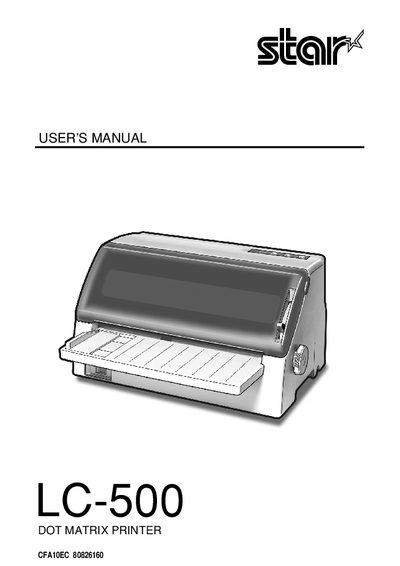
This manual guides users through installing and operating the Star Micronics LC-500 dot matrix printer. It covers printer setup, paper handling, control panel functions, EDS mode settings, and troubleshooting procedures.
The document includes detailed steps for unpacking, installing the paper guide, connecting power and parallel cables, and adjusting settings, as well as specifications and a control panel operation guide.
Hold the paper guide at a slight angle, slide the slots into the printer tabs, press until it clicks, then lower the table.
Connect the printer to the computer using the parallel cable as described in the manual.
Place the printer on a firm, level surface away from vibration, direct sunlight, heaters, and ensure enough space and a reliable power outlet nearby.