
This manual is for the Minolta PagePro 1100L laser printer and includes information on safety, setup, driver installation, and printing.
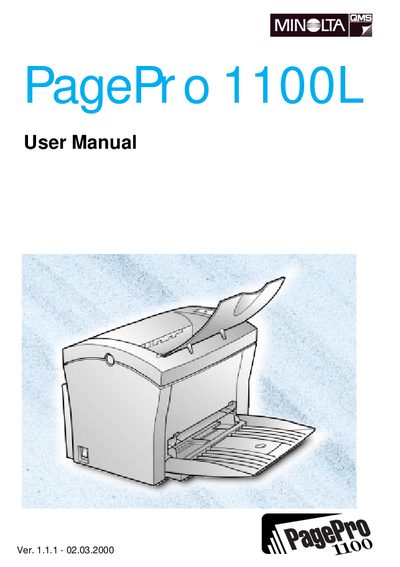
This User Manual provides instructions for installing, setting up, and operating the Minolta PagePro 1100L laser printer. It explains how to install the printer driver, work with the printer driver and Status Display, load paper, monitor print jobs, and install optional accessories.
It also includes guidance on caring for and maintaining the printer, such as cleaning and replacing the toner cartridge and image transfer roller, plus troubleshooting steps for paper misfeeds, print quality problems, and general print problems.
| Product Type | Laser Beam Printer |
|---|---|
| Product Name | PagePro 1100 |
| Options | Second Paper Cassette tray (4148-601), Face-Up Tray (4121-06333), Network Interface Card (4625-131), Expansion Memory (DIMM) |
It is a Laser Beam Printer.
Options include a Second Paper Cassette tray, Face-Up Tray, Network Interface Card, and Expansion Memory (DIMM).