
User guide for Minolta MNCD37 car camcorder covering setup, operation, safety, and settings for video and photo modes.
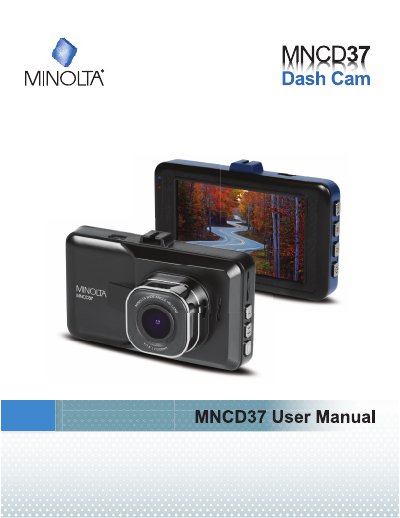
This guide explains how to use the Minolta MNCD37 car camcorder for in-vehicle video and photo recording. It covers mounting, memory card insertion, power options, and mode switching. Safety precautions are included to prevent damage or hazards. The camcorder supports 1080p HD video and includes features like motion detection and loop recording.
The manual details button functions, menu navigation, and settings for video resolution, audio, and motion detection. It also provides instructions for playback, file deletion, and resetting the device to factory defaults. Users are advised to read the guide thoroughly before use and store it for reference.
| Video Resolution | 1080p (highest quality), 720p (medium quality), 480p (low quality) |
|---|---|
| Loop Recording Options | OFF, 1 Minute Loop, 3 Minute Loop, 5 Minute Loop |
| Audio Recording | ON or OFF |
| Motion Detection | ON or OFF |
Insert the MicroSD card into the slot with gold pins facing the display. It will click in when properly inserted.
Attach the smaller plastic end to the camcorder and the suction cup to the windshield. Ensure the windshield is clean before applying.