
The Minolta MNCD245T Car Camcorder User Manual covers setup, mounting, camera views, settings, media transfer, and reset for the in-vehicle dashcam.
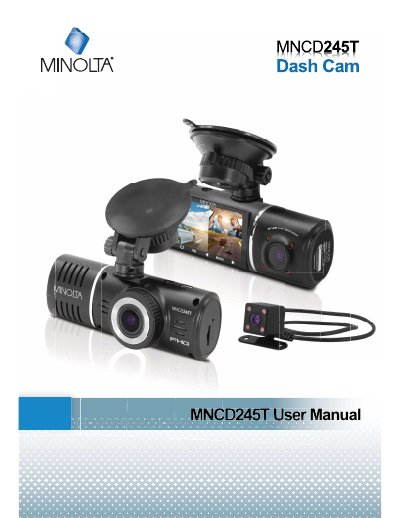
The Minolta MNCD245T is a car camcorder that records 1080p HD video and high-resolution photos. It is designed for in-vehicle shooting to capture driving accidents, daily life, travel, and outdoor activities.
This user manual explains safety precautions, getting started, button functions, memory card use, windshield and rear camera mounting, startup display views, menu settings, media transfer to a computer, and how to reset the device.
| Video resolution | 1080p HD |
|---|---|
| Photo capture | High resolution |
| Memory card | MicroSD |
| Night vision | IR LEDs |
| Microphone | Built-in |
| Speaker | Built-in |
Press and hold the Power button for 3 seconds.
Insert a pointy object into the reset hole on the front body of the camcorder.
You can select Off, On, or Auto.
Mount it to the right of or directly below the rearview mirror.