
Minolta magicolor 3100 Series Service Manual

This manual describes maintenance procedures for the magicolor 3100 series laser printer.
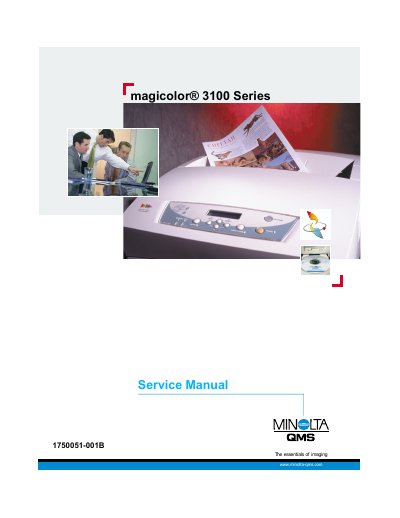

Minolta magicolor 3100 Series Service Manual - cover page
Brand
Minolta
Category
Printer
Document type
Service Manual
Language
English
Pages
424
File format
PDF
File size
9.1 MB
Published
19 October, 2023
Updated
19 October, 2023
MD5 checksum
620FE9C0D5678BCC4BF94E062337C101

About this manual

This document serves as the official service manual for the Minolta magicolor 3100 Series laser printer. It provides detailed instructions for maintenance operations, including safety precautions for high-temperature units, laser beams, and driving units. The manual outlines specific procedures for removing and replacing various assemblies such as the fuser unit, imaging unit, and transfer unit.

What's inside

  • Introduction
  • Cautions for operation
  • Safety
  • Removal and Replacement Procedures
  • Troubleshooting
  • Specifications
  • Wiring Diagrams
  • Test Print
  • Consumable Life
  • Environment

Specifications

Document Copyright2001
Document Number1750051-001B

Frequently asked questions

What safety precautions are required for high-temperature units?

Turn them OFF, remove the power plug, and wait more than 40 minutes for them to cool down before starting service.

Can live parts be touched while the printer is ON?

No, you should never touch live parts while the printer is ON unless absolutely required.

Download PDF (9.1 MB)

More Minolta Manuals


View all Minolta manuals →