
User guide for Minolta MNCD38 car camcorder covering setup, operation, safety, and settings for video/photo recording.
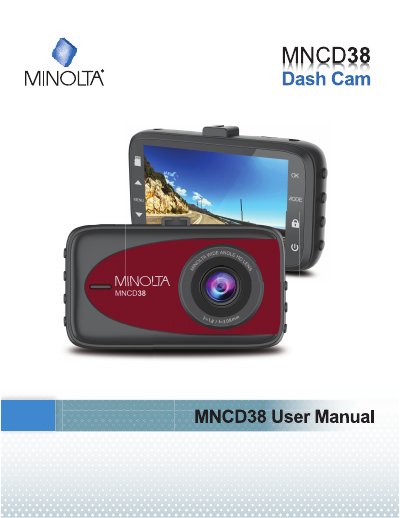
This guide explains how to use the Minolta MNCD38 car camcorder for in-vehicle video and photo recording. It covers setup with a MicroSD card and windshield mount, operating modes (video, photo, playback), and menu settings for resolution, loop recording, audio, and motion detection. Safety precautions are included for proper handling and storage.
The camcorder supports 1080p HD video, has a built-in microphone, and can be powered via USB or car adapter. It automatically starts recording in video mode and allows manual control via buttons. Files can be reviewed or deleted in playback mode, and settings can be adjusted while in video mode (after stopping recording).
| Video Resolution | 1080p (highest quality), 720p (medium quality), 480p (low quality) |
|---|---|
| Loop Recording | OFF, 1 Minute Loop, 3 Minute Loop, 5 Minute Loop |
| Audio Recording | ON or OFF |
| Motion Detection | ON or OFF |
Press the POWER button for 3 seconds to power on or off. Tap once during recording to disable the LCD monitor.
No, you must stop recording in video mode before switching to photo mode.
Press the MENU button while in playback mode to delete or protect a file.