
This document is the operator's guide for the Samsung facsimile SF4000/SF4100/SF4200. It provides safety information for the machine, including stability, power supply, and grounding. It also emphasizes the high performance and reliability of the machine.
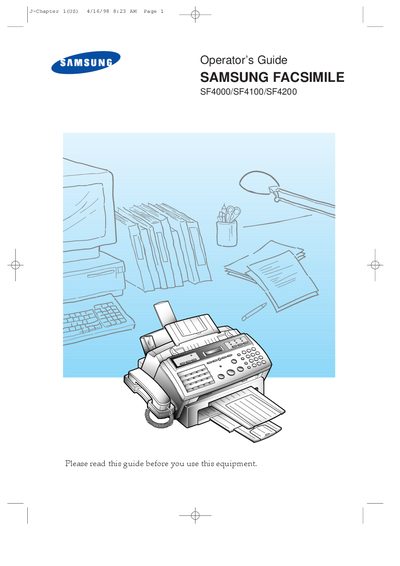
This guide introduces the Samsung SF4000, SF4100 and SF4200 multi‑function fax machines, describing their features, parts, and control panel layout. It walks users through installation, connection of power, telephone line, and optional accessories, as well as configuring printer drivers for Windows and DOS.
The manual also covers fax transmission, automatic dialing, advanced functions such as memory transmission and polling, and detailed troubleshooting steps for common printing, paper‑feeding and fax problems. Technical specifications for fax, scanning and printing are listed at the end of the document.
| Fax Communication System | PSTN & PABX |
|---|---|
| Compression Scheme | MH/MR/MMR |
| Modem Speed | 9600/7200/4800/2400 bps |
| Scanning Resolution | 200 dpi |
| ADF Capacity | 30 Sheets (20 Sheets optional) |
| Machine Size (H×W×D) | 10.4 × 12.7 × 17.9 in |
| Machine Weight | 7.0 Kg |
| Power Consumption | 12 W standby, 30.66 W max |
| Operating Temperature Range | 10 °C – 40 °C |
| Printing Technology | Thermal Ink‑Jet |
| Print Speed (LQ mode) | 167 CPS |
| Print Speed (Draft mode) | 240 CPS |
The machine uses 12 W in standby and up to 30.66 W when operating; see the power rating on the back of the paper bin.
The automatic document feeder can hold up to 30 sheets (or 20 sheets in a different configuration).
The built‑in scanner provides a resolution of 200 dpi.
It uses thermal ink‑jet printing technology.