
This paper introduces a deep learning-based image style transfer method. The method learns the local features and global semantic features of the image, and transfers the local content of the image while maintaining the overall structure and style of the image.
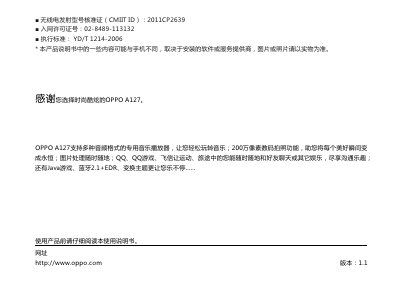
This manual explains how to operate the OPPO A127 mobile phone, covering basic functions such as making calls, using the camera, playing media, and accessing the OPPO ecosystem. It includes safety instructions for use in aircraft, near medical equipment, and around fuel, as well as guidance on battery handling and cleaning.
The document also lists the standard accessories supplied with the device, details the phone’s hardware specifications, and offers troubleshooting tips and maintenance recommendations to extend the product’s lifespan. This manual is written in Chinese.
| Operating Temperature | -10°C to 50°C |
|---|---|
| Weight | ≈95 g (including standard battery) |
| Dimensions | 118 mm × 51 mm × 11.8 mm |
| Network Frequencies | GSM900 MHz / DCS1800 MHz |
| Battery Capacity | 900 mAh Li‑ion |
| Screen | 2.4" TFT QVGA (240 × 320) |
| Camera | 2 MP |
| Storage Card Support | microSD |
Turn off the phone, press and slide up to open the battery cover, then remove or insert the battery as shown.
The phone must be turned off because using a mobile phone on an aircraft can cause interference and is illegal.
The standard package contains the handset, a battery, a charger, a USB data cable, the user manual, and a warranty card.
Use a soft dry cloth; avoid alcohol, solvents, or abrasive materials, and do not use sharp objects on the screen.