
This document provides a detailed description of three different electronic products, including their brands, models, and features.
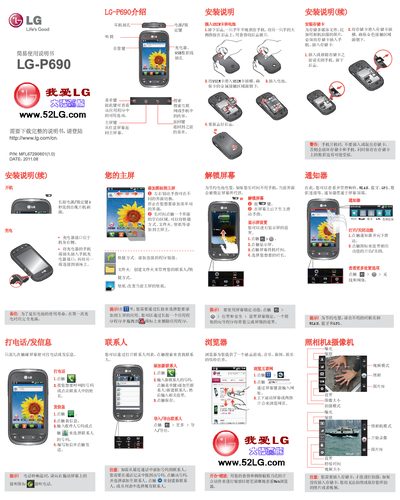
This guide covers the essential procedures for getting the LG‑P690 mobile phone ready for use. It includes instructions for powering on the device, charging the battery, inserting the USIM card, configuring the display, using the browser, setting up email, and transferring media files via USB.
The manual also contains safety warnings, SAR information, battery care tips, and guidelines for using the phone in special environments such as aircraft, vehicles, and explosive‑risk areas. Users are advised to use only original LG accessories and follow the recommended handling procedures. This manual is written in Chinese.
| Maximum operating temperature (discharge) | +55°C |
|---|---|
| Minimum operating temperature | -10°C |
| Maximum SAR (10g average) | 0.69 W/kg |
Press and hold the power/lock key for about 3 seconds until the startup screen appears.
Slide the USIM card into the USIM card slot with the metal contacts facing down, then insert the battery and close the back cover.
Connect the charger to the charging port on the right side of the phone, then plug the charger into a wall outlet.
The maximum SAR value is 0.69 W/kg (averaged over 10 g of tissue).