
This document provides instructions and guidelines for using a touchscreen phone, including installing a SIM card, making and receiving calls, changing common call settings, managing the phonebook, setting up email and text messaging, and more.
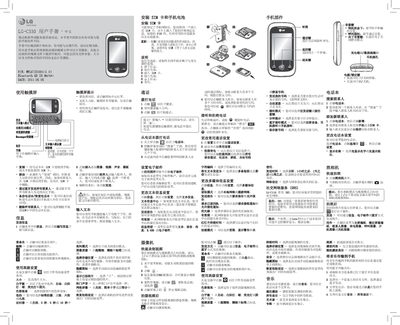
The LG C330 user manual provides step‑by‑step instructions for operating the phone’s touchscreen, making calls, sending messages, using the camera, and managing multimedia files. It also details how to configure Bluetooth, set up email, and customize system settings such as night mode and storage location.
Safety information includes battery handling recommendations, SAR limits, and warnings about using the phone near medical equipment, aircraft, or explosive environments. The document also lists warranty details, supported accessories, and contact information for LG support. This manual is written in Chinese.
| SAR (max, 10 g average) | 0.738 W/kg |
|---|---|
| Operating Temperature (Discharge) | +55 °C |
| Minimum Storage Temperature | -10 °C |
| Bluetooth QD ID | B017694 |
| Document Date | 2011‑05‑05 |
| Part Number | MPL6723180101.0 |
The default security password is 0000.
Select the ‘恢复初始设定’ option in the camera menu; all camera settings will revert to the factory defaults.
Use the original LG L6 battery and charger; other batteries may void the warranty.