
This document introduces various settings and features of the LG-A200 phone, including call settings, security, SOS mode, memory information, factory reset, email, scene mode, display settings, date and time settings, connection settings, Bluetooth pairing, message sending, etc.
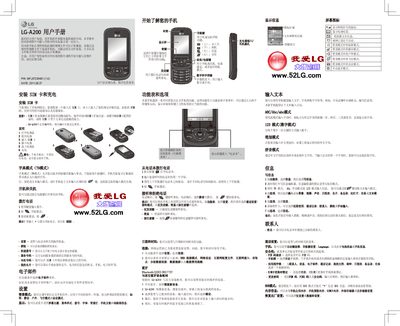
This manual explains how to install the SIM card, insert the battery, charge the phone, and power it on or off. It also covers basic functions such as making calls, sending messages, using the camera, music, video, and internet browsing.
Additional sections describe Bluetooth pairing, safety precautions, SAR compliance, warranty registration, and proper handling of accessories. The guide includes environmental limits, battery care, and regulatory information for safe use in various environments. This manual is written in Chinese.
| Battery Type | L6 battery (original LG) |
|---|---|
| Model Identifier | LG-A200 |
Open the back cover, remove the battery, insert the SIM card into the slot, then replace the battery and close the cover.
Press and hold the power key to turn the phone on or off.
Enter the phone number using the keypad and press the call key to start the call.
Turn on Bluetooth, search for new devices, select the desired device, enter the pairing code, and confirm.