
This document is the user manual of LG GW620 phone, which mainly introduces the basic operating methods of the phone.
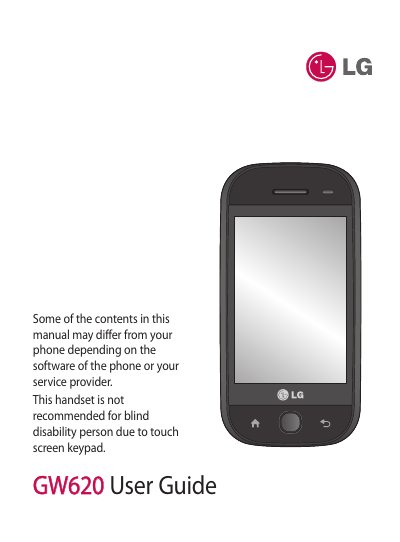
This guide introduces the LG GW620 mobile phone and explains how to set it up and operate its various functions. It covers safety information, disposal instructions, and an overview of the device’s hardware components.
The manual is organized into sections such as Getting to Know Your Phone, Installing the SIM and Battery, Charging, Memory Card usage, Home screen customization, Calls, Messaging, Camera and Video, Multimedia playback, Settings, and Troubleshooting, providing detailed instructions and tips for each feature.
| SAR (ear) | 0.671 W/kg |
|---|---|
| FCC ID | BEJGW620 |
Remove the battery cover, lift the battery out, then slide the SIM card into the SIM card holder with the gold contacts facing down. Re‑install the battery and replace the cover.
Move to a higher location or near a window to improve reception and check your service provider’s coverage map.
Press and hold the On/Off key for at least two seconds; if the battery is empty, charge it first.