
This document explains how to use the various features of the LG-A230 phone, including Bluetooth pairing, call settings, security settings, contact management, email, and settings options.
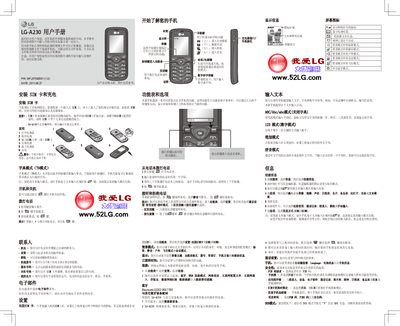
This manual explains how to install the SIM card, insert the battery, and charge the device. It also describes the phone’s basic functions such as making calls, sending messages, using the camera, and accessing multimedia features.\n\nAdditional sections cover text input modes, Bluetooth pairing, safety precautions, memory management, and regulatory information such as SAR limits and temperature operating ranges. This manual is written in Chinese.
| SAR (max) | 1.06 W/kg (10 g) |
|---|---|
| Network Support | Does not support 3G network |
| Battery Recommendation | Use original LG battery and charger |
While the cursor is in a text entry field, press the EE7 key repeatedly until the desired input mode appears.
Turn on Bluetooth, select "search new device", wait for the LG‑A230 to find the device, then confirm the pairing code on both devices.