
This file is the user manual of LG P355 phone. It introduces the use of the phone and precautions.
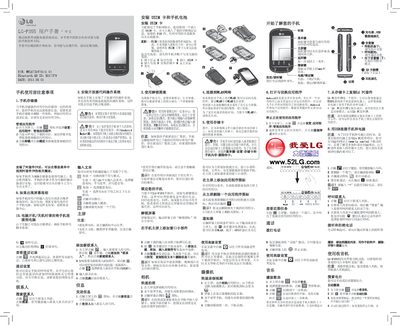
This manual covers basic usage of the LG P355 mobile phone, including how to manage storage, install applications, and use the built‑in radio and camera functions. It also explains how to connect the phone to a PC with the LG PC Suite and how to install a SIM card and battery.
Safety information such as SAR limits, battery care, and precautions for use in vehicles or near medical equipment are included, along with troubleshooting steps for screen freezes and other common issues. This manual is written in Chinese.
| Product name | LG-P355 |
|---|---|
| Bluetooth ID | BO17379 |
| Part number | L6731970101.0 |
| Maximum discharge temperature | +55°C |
| Minimum operating temperature | -10°C |
Turn off the phone, remove the battery, insert the USIM card, then re‑install the battery and power the phone back on.
Install the LG PC Suite on the computer, then connect the phone with the USB cable; the phone will appear as a storage device.
To lock, press the power key; to unlock, drag the “unlock” icon to the right side of the screen.